Adsonant vs Anki
Anki Alternative for Building Vocabulary
Updated
Adsonant is built for helping you capture and grow your vocabulary in a language. It takes care of the work Anki leaves to you, like looking up meanings, and typing readings and example sentences for every card. Anki is a powerful flashcard system with community-built decks, and for some learners it’s the better choice.
The short answer
- Choose Adsonant if you want to quickly collect and review vocabulary without spending a lot of time building flashcard decks.
- Choose Anki if you mainly want a flashcard system, or building flashcards is part of your study process.
Adsonant vs Anki at a Glance
| Adsonant | Anki | |
|---|---|---|
| Best for | Building vocabulary in a new language | Any subject, with fully custom cards |
| Adding a word | Type a word, paste text, or take or choose a photo | Fill in each field yourself, or use add-ons |
| Translations, readings, examples | One tap: meaning, example sentence, pinyin or hiragana, and noun articles | Added by hand or through add-ons |
| Spaced repetition | FSRS, plus review by group or recently added words | FSRS or the classic SM-2 scheduler, highly configurable |
| Statistics | Total words by language, growth over time, daily activity, and review history | Detailed review statistics, retention, and forecasts |
| Organizing words | Groups; a word can belong to several | Decks, subdecks, and tags |
| Ready-made content | None, you build your personalized collections | Thousands of free community decks |
| Languages | Chinese, French, German, Italian, Japanese, Spanish | Any |
| Platforms | iPhone and iPad, synced with iCloud | Windows, Mac, Linux, Android, iPhone, web |
| Price | Free for small collections, paid subscription thereafter | Free, except the official iPhone app (one-time purchase) |
| Export | CSV with every language, note, example, and group | Deck packages and text files |
Adding a Word: Adsonant vs Anki
Say you hear the Japanese word 木漏れ日 (こもれび, sunlight through trees) and want to learn it.
In Adsonant
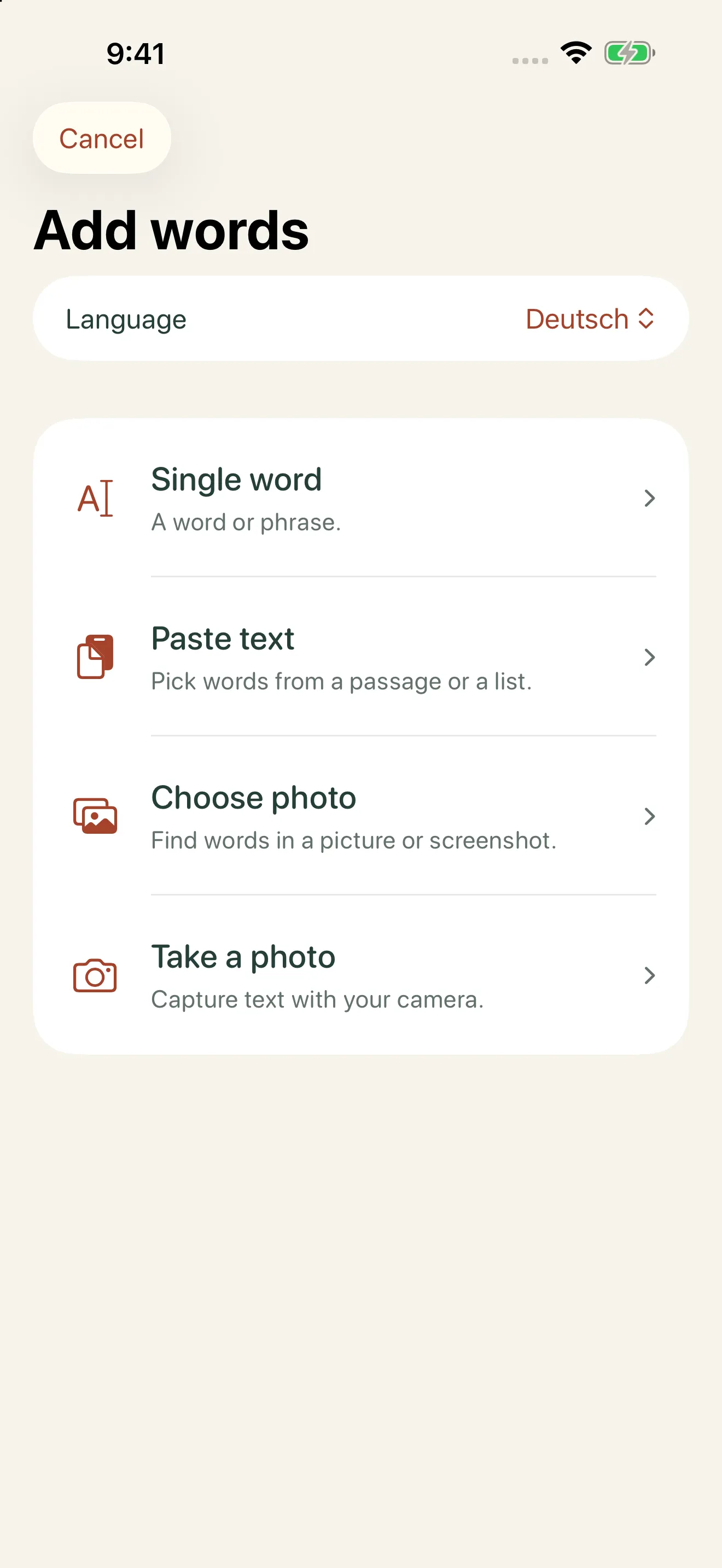
- Type the word, paste a passage, or take a photo.
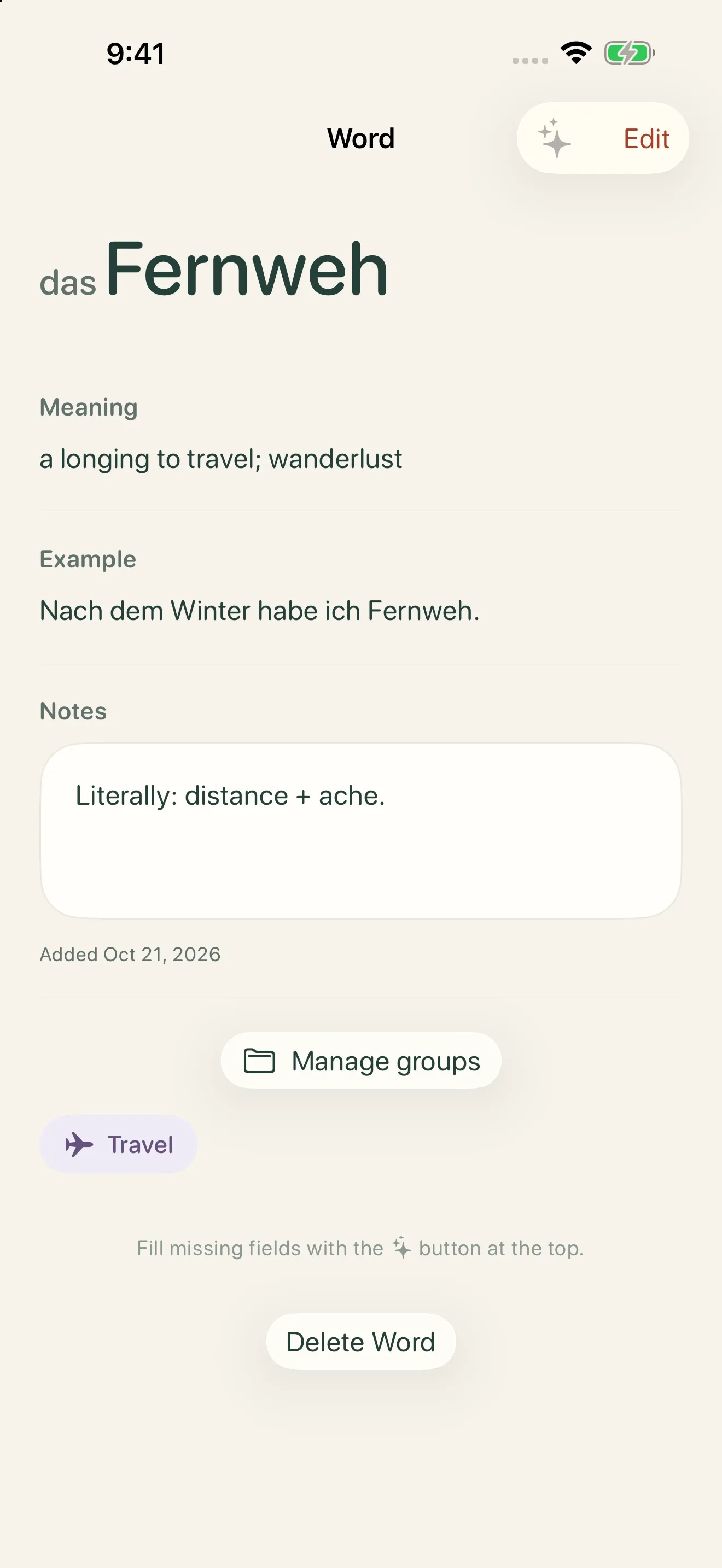
- Tap to add the meaning, reading (こもれび), and an example.
- Save it, optionally into a group like “Nature.”
In Anki
- Open Add, then choose a note type and deck.
- Type the word.
- Look up its meaning and reading in a dictionary.
- Find and paste an example sentence.
- Save the card.
Pasting a passage or photographing a page saves even more time. Adsonant finds the words in the text and turns them into their dictionary forms, and you choose which ones to keep.
Where Adsonant Is Better
- Adding words is fast. Save a word in seconds, or pull many at once from pasted text or a photo.
- Details are filled in for you. One tap adds the translation, an example sentence in the language you’re learning, pinyin for Chinese, hiragana for Japanese, and articles for nouns.
- No setup. No note types, templates, or add-ons to configure. Choose your language and start.
- Groups for your interests. Sort words into groups like “Travel” or “Cooking,” and review one group at a time.
- Spaced repetition and progress you can see. Adsonant schedules reviews with FSRS, and shows your total words by language, growth over time, and review history.
Where Anki Is Better
- Price and platforms. Anki is free on Windows, Mac, Linux, Android, and the web. Only the official iPhone app is paid, as a one-time purchase.
- Any subject. Use it for medicine, law, music theory, or anything else, not just languages.
- Customization. Card templates, styling, scheduling options, and hundreds of add-ons.
- Shared decks. Download ready-made decks instead of building your own.
- Every language. Adsonant supports six.
Using Adsonant and Anki Together
You don’t have to choose. Some learners collect words in Adsonant during the day, because it’s faster on a phone, then review them in Anki at their desk. In Adsonant, go to Profile → Export library (CSV). The file includes each word’s meaning, reading, example, notes, and groups. In Anki, use File → Import and match the columns to your note fields.
Which Should You Choose?
Choose Adsonant if you…
- meet new words in books, shows, classes, or conversations
- want translations and readings added for you
- learn Chinese, French, German, Italian, Japanese, or Spanish
- use an iPhone or iPad
Choose Anki if you…
- want a free app on every device, including Android and desktop
- study subjects other than languages
- enjoy designing your own cards
- want to start from a shared deck
Frequently Asked Questions
Is there an easier alternative to Anki?
For language vocabulary, yes. Adsonant uses the same kind of spaced repetition, but fills in each word’s translation, reading, and example sentence for you, so there are no cards to design.
Can I move my words from Adsonant to Anki?
Yes. Export your library as a CSV file from Profile, then import it into Anki with File → Import.
Is Adsonant free?
Adsonant is free for small collections. As your collection grows, a paid subscription keeps it growing. See the App Store listing for current plans.
Does Adsonant use spaced repetition?
Yes. Adsonant schedules reviews with FSRS, a modern spaced repetition algorithm. You can also review by group or practice your most recent words.
Does Adsonant work on Android or a computer?
Not yet. Adsonant is available for iPhone and iPad, and syncs between them with iCloud.
More Comparisons
- Memrise alternative: Adsonant vs Memrise
- Quizlet alternative: Adsonant vs Quizlet
- Pleco alternative: Adsonant vs Pleco
- Duolingo alternative: Adsonant vs Duolingo
- LingQ alternative: Adsonant vs LingQ
See all of them in our guide to the best vocabulary apps for language learners, or grab a free word list to get started.

Smart vocab tracking with Adsonant